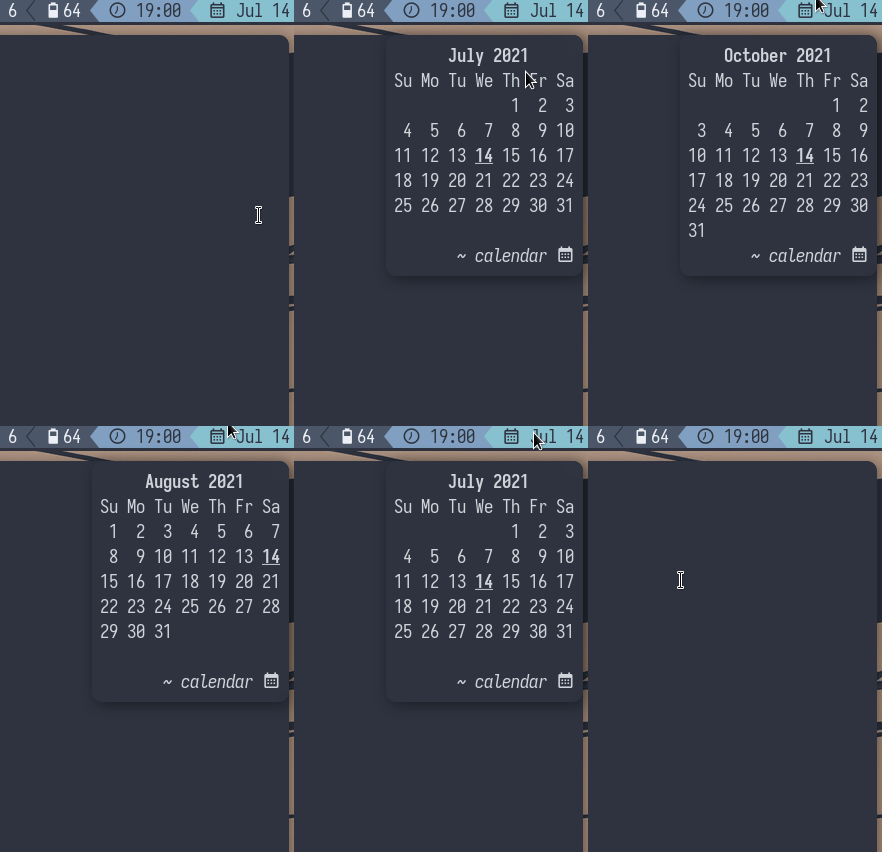
currently supports i3blocks and polybar
Calendar notifications for desktops running the dunst notification daemon.
The calendar script is responsible for handling mouse events triggered by your bar, following are valid arguments:
./calendar curr # current month
./calendar next # increment month
./calendar prev # decrement monthCreate a date block:
[date]
command = ~/.config/i3blocks/scripts/date.sh
interval = 60
Copy the contents of i3blocks to $HOME/.config/i3blocks (to tweak the mouse actions see i3blocks/scripts/date.sh):
cp -rL i3blocks ~/.config # -L to dereference the symlinkCopy calendar to your polybar config directory. Then, in your polybar config, you can use click-left, scroll-up and scroll-down actions to invoke the script. For example:
; add `calendar` to your modules list
[module/calendar]
type = custom/script
label = ""
exec = echo Calendar
click-left = ./calendar curr
scroll-up = ./calendar next
scroll-down = ./calendar prev